

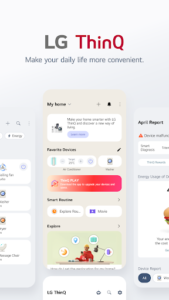
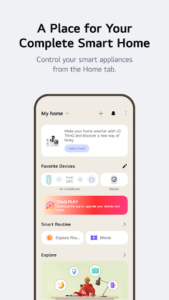
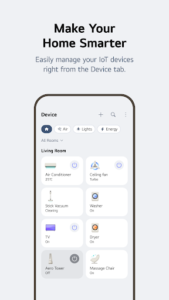
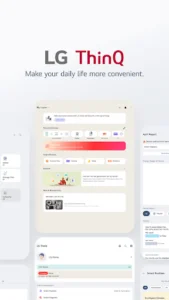
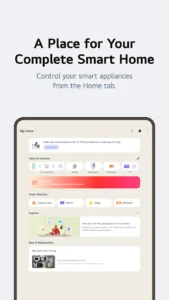
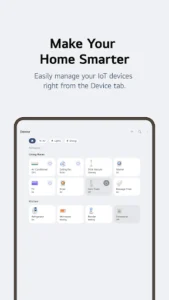
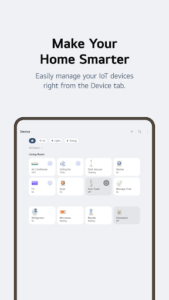
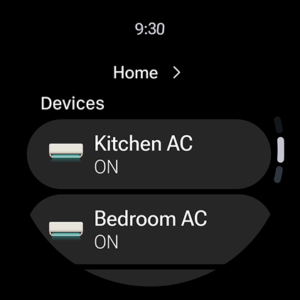
The LG ThinQ app serves as a central hub for connecting and managing your IoT home appliances. Users can control their connected devices remotely, access personalized recommendations based on usage, and explore various app features to optimize their smart home experience. Beyond basic control, the app facilitates the creation of automated routines, offers tools for monitoring energy consumption, and provides integrated smart care services, including diagnostics and professional service requests.
Remote Appliance Control and Personalization
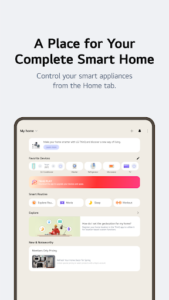
The app allows users to manage their IoT home appliances from any location, providing convenience for daily tasks. It also offers personalized recommendations for appliance management, drawing insights from usage history to help users make the most of their devices. For those looking to delve deeper into the app’s capabilities, the Explore section highlights additional features and functionalities.
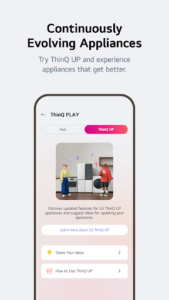
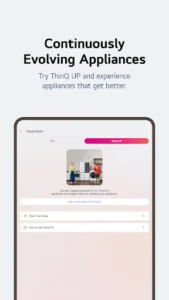
Enhancing Products with ThinQ Play
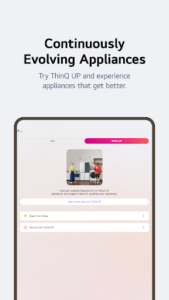
Through ThinQ Play, users can download various applications specifically designed for use with LG ThinQ On(AI Home Hub). This feature enables the introduction of new functionalities to existing products, allowing for more efficient and user-friendly operation. Products can be upgraded to align with individual lifestyles and preferences by integrating these new capabilities.
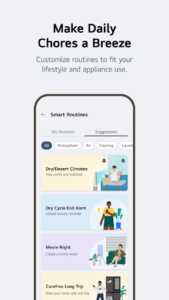
Smart Routines and Automation
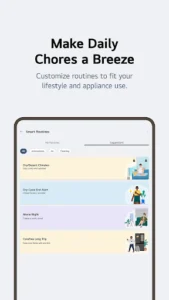
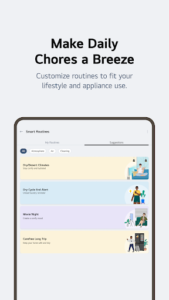
Users can create customized smart routines to automate actions across their connected appliances. For instance, the app can be configured to automatically activate lights and an air purifier at a set wake-up time. Conversely, it can be set to automatically power off products when users are on vacation, contributing to energy savings.
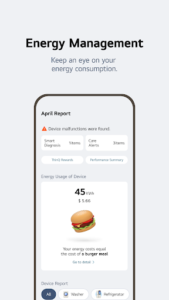
Energy Monitoring and Management
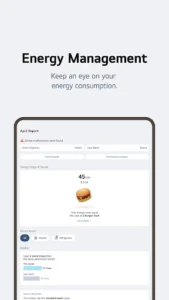
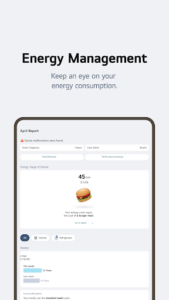
The app includes an Energy Monitoring function that allows users to track and compare their power usage with that of their neighbors. This feature supports setting energy-saving goals and provides usage status notifications to help optimize energy consumption more efficiently.
Integrated Product Care and Support
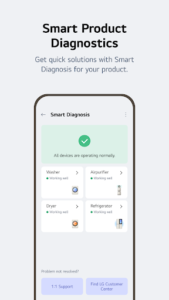
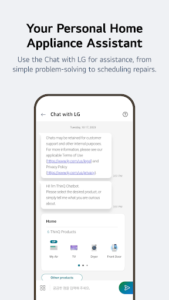
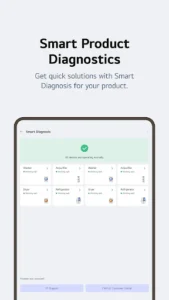
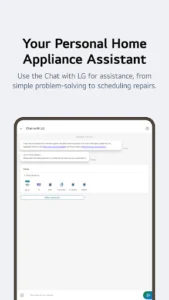
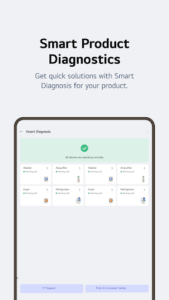
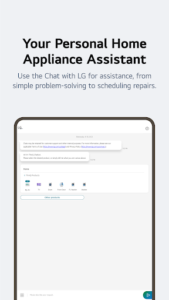
The app centralizes various care services for connected products. Users can utilize the Smart Diagnosis function to quickly check the status of their appliances, aiding in initial troubleshooting. For more complex issues, the app facilitates booking a service visit directly with a professional engineer for accurate diagnosis and inspection. Additionally, the AI-powered ‘Chat with LG’ feature offers tailored answers regarding ThinQ home appliances, responding to specific product situations and conditions.
Specific Functionality: View Phone Screen on TV
The app incorporates a ‘View Phone Screen on TV’s Larger Screen’ function. When this feature is active, it uses the accessibility API solely to transmit the user’s TV remote control signals from their smartphone to the television.
Limitations
It is important to note that the availability of specific services and features within the app may vary depending on the particular product model being used and the user’s country or region of residence.












Write a review